ledgewin Withdrawal & KYC Guide
Finish this page and you can move money out of your ledgewin wallet to bKash, Nagad, Rocket or Upay without stopping halfway: you will know the amount you are allowed to request, the ID photo the first cash-out needs, and what to do if the request comes back.
18+ · Play Responsibly
Know the numbers before you tap Withdraw
A cash-out request only clears when three things line up: the account has passed the identity check, the figure sits inside the limits, and no bonus is still tied up in play. Get those three right and the money leaves the site in the time quoted on the wallet screen. Miss one and the request bounces back, which is what most players mean when they say a withdrawal failed.
| What it controls | Figure |
|---|---|
| Smallest withdrawal you can request | ৳1,100 |
| Most you can take out in one day | ৳130,000 |
| Normal payout time | 9 minutes |
| First payout, after the ID check | up to 1 hour |
| KYC review window | 2 hours |
| Wagering on bonus money before cash-out | 23× |
| Smallest deposit that opens the wallet | ৳350 |
The daily ceiling is counted per day, not per request. Three requests of ৳40,000 on the same afternoon reach the ৳130,000 line just as quickly as one large request does, and the counter starts again with the new day in Bangladesh time. If you want money out before a weekend, send the first request in the morning so a second one still has room.
The ৳130,000 figure is the Member limit. Higher levels lift it: Star moves the daily cap to ৳240,000 and Elite to ৳460,000, so a player turning over ৳170,000 in a month has far more room in a single day. The ৳1,100 floor stays the same for everyone, and all four mobile wallets handle payouts well above it, so the wallet is seldom the bottleneck.
Send your first ledgewin withdrawal in five steps
The buttons are in the same place on a phone browser and in the app. Work through them in this order and you will not have to cancel and start again.
-
Clear the ID check
Open Account, then Verification, and upload one document. A first payout is not released until that page shows Verified, and the review itself takes up to 2 hours.
-
Open Wallet and pick Withdraw
Deposit and Withdraw sit next to each other. Choosing the wrong tab sends the form the other way, and nothing leaves the account.
-
Type an amount inside the limits
৳1,100 is the floor and ৳130,000 is the daily ceiling on a Member account. The box shows the exact figure that will land in your wallet before you confirm.
-
Put your own number in the wallet field
Use the bKash, Nagad, Rocket or Upay number registered in your own name. A friend's number or a shop's agent number is refused at review, and the request comes back.
-
Approve the code and read the SMS
Confirm with the one-time code, then keep the reference shown in your history. The status moves from Pending to Paid once the wallet accepts the transfer, usually in 9 minutes.
If you play mostly on a phone, the same steps work inside the app and the session survives a dropped connection better than a browser tab does. Install it from the ledgewin app page if you have not already, then log in with the details from your login page.
Clear KYC once and stop repeating it
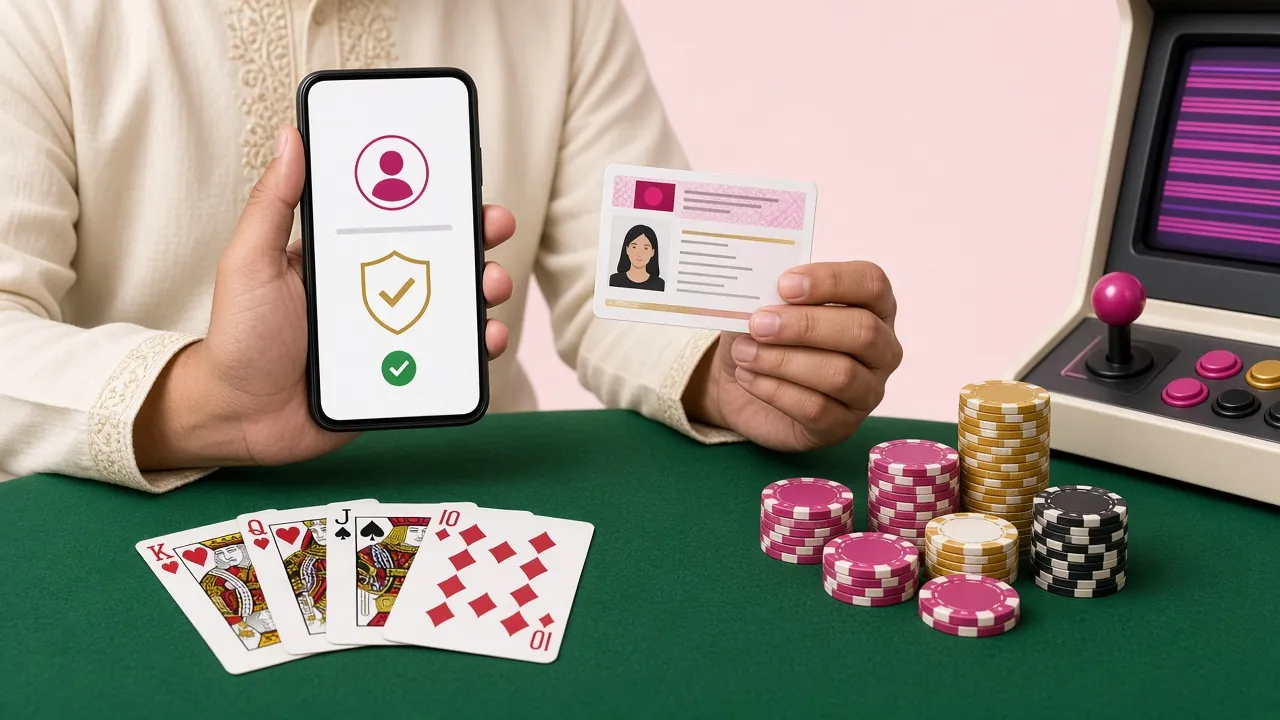
The first cash-out on a new account is checked against one photo ID. The point is simple: the name on your play account, the name on the mobile wallet and the name on the ID have to match. Once that check clears, every later request runs on the normal 9-minute timing with no extra paperwork.
You only need one document from the list below. Pick the one that is easiest to photograph well, not the one that sounds official. A clean photo of a passport beats a blurry photo of a national ID card every time, and a rejected photo costs you another review window.
- Take the shot in daylight, not under a single tube light.
- Keep all four corners of the card inside the frame.
- No glare across the number or the face.
- Full name, ID number and expiry date must be readable.
- One photo per side, straight from the camera, no filters.
| Document | When it works best |
|---|---|
| National ID Card (NID) | The fastest option for most players; send the front and the back. |
| Passport | Use it when the NID has expired or the printed photo has worn away. |
| Driving Licence | Accepted when the photo page and the licence number are both sharp. |
How the upload runs
- Open Account, then Verification. The document list is the same one shown in the table above.
- Choose the type you are sending. Pick NID, passport or licence so the reviewer knows what to expect.
- Photograph the front, then the back. Two separate images, both flat and both readable end to end.
- Send and leave the tab alone. The review window is 2 hours; sending the same file twice slows it down.
- Wait for Verified before requesting money. A payout asked for during review sits on hold until the check finishes.
Your ID is used to match the account name to the wallet name. It goes to the verification team for that single purpose and is not shown to other players. If you are unsure which file the review wants, ask the 24/7 Live Chat before you upload, and someone will name the exact document that suits your account.
Why a cash-out gets held, and the fix
Most refused requests fall into six patterns. Find yours in the left column and the right column tells you what clears it.
| What went wrong | What you notice | What clears it |
|---|---|---|
| Wallet name does not match the account | The request sits on Pending, then returns | Send to a wallet registered in your own name, spelled as it is on the ID |
| Bonus money still in play | Withdraw asks for more play before it opens | Finish the 23× wagering, or leave the bonus and cash out the rest |
| Daily ceiling already reached | The amount box cuts the figure down | Wait for the new day in Bangladesh time, or step up a VIP level |
| KYC not started | The payout stops at the review step | Upload one ID and allow the 2-hour review to finish |
| Amount under the floor | The box refuses to accept the number | Raise the request to ৳1,100 or more |
| Code or session timed out | The confirmation SMS never arrives | Log in again, request a fresh code, resubmit the same amount |
When a request is refused, the figure goes back to the balance shown in your account rather than disappearing, and the reason line beside that entry names the rule that stopped it. Read that line before you resubmit: sending the identical request a second time returns the identical answer. If the reason is unclear, copy the reference number into Live Chat and ask what the reviewer saw.
Match the wallet to your payout speed
All four mobile wallets move money in both directions on ledgewin, and none of them needs a separate account with a bank. Deposits land in 5 minutes and withdrawals land in 9 minutes, so the choice between them comes down to which app you already keep on your phone and which one has cash in it when you want to play.
- bKash Minimum deposit৳350 Deposit lands5 minutes Withdrawal lands9 minutes
- Nagad Minimum deposit৳350 Deposit lands5 minutes Withdrawal lands9 minutes
- Rocket Minimum deposit৳350 Deposit lands5 minutes Withdrawal lands9 minutes
- Upay Minimum deposit৳350 Deposit lands5 minutes Withdrawal lands9 minutes
One habit saves trouble later: deposit and withdraw through the same wallet. A payout to a different wallet than the one you paid in from is legal, but it gives the reviewer one more thing to check, and every extra check adds time. The full walkthrough for putting money in sits on the ledgewin deposit guide; the section above covers the way back out.
What players still ask about cash-outs
Can I withdraw before the KYC check is finished?
What is the smallest amount I can take out?
Do I have to use the same wallet I deposited with?
My request was refused for the daily limit. What now?
Does a bonus stop me from cashing out?
Is the app any faster than the browser?
Anything the six answers above do not cover can go to the help centre or to Live Chat, which stays open around the clock. Have your reference number and the wallet number ready before you start the conversation; it cuts the back and forth in half.
Set up a payout before you need one
Register, finish the ID check while nothing is waiting, and your first cash-out runs on the normal 9-minute timing from the start. New accounts also get the first-deposit bonus, which you can clear at your own pace.
Play Responsibly. Bet only money you can afford to lose, set a deposit limit before the session starts, and take a break when the game stops being fun. If your ID documents were sent during a review, they stay on file for verification only. Support is available through Live Chat at any hour.